Veloreah is an evolving online storefront combining original apparel, Detroit-oriented design concepts, custom products, and curated lifestyle finds. The goal is a broader, more distinctive catalog built around products people can actually connect with rather than a generic dropshipping shelf.
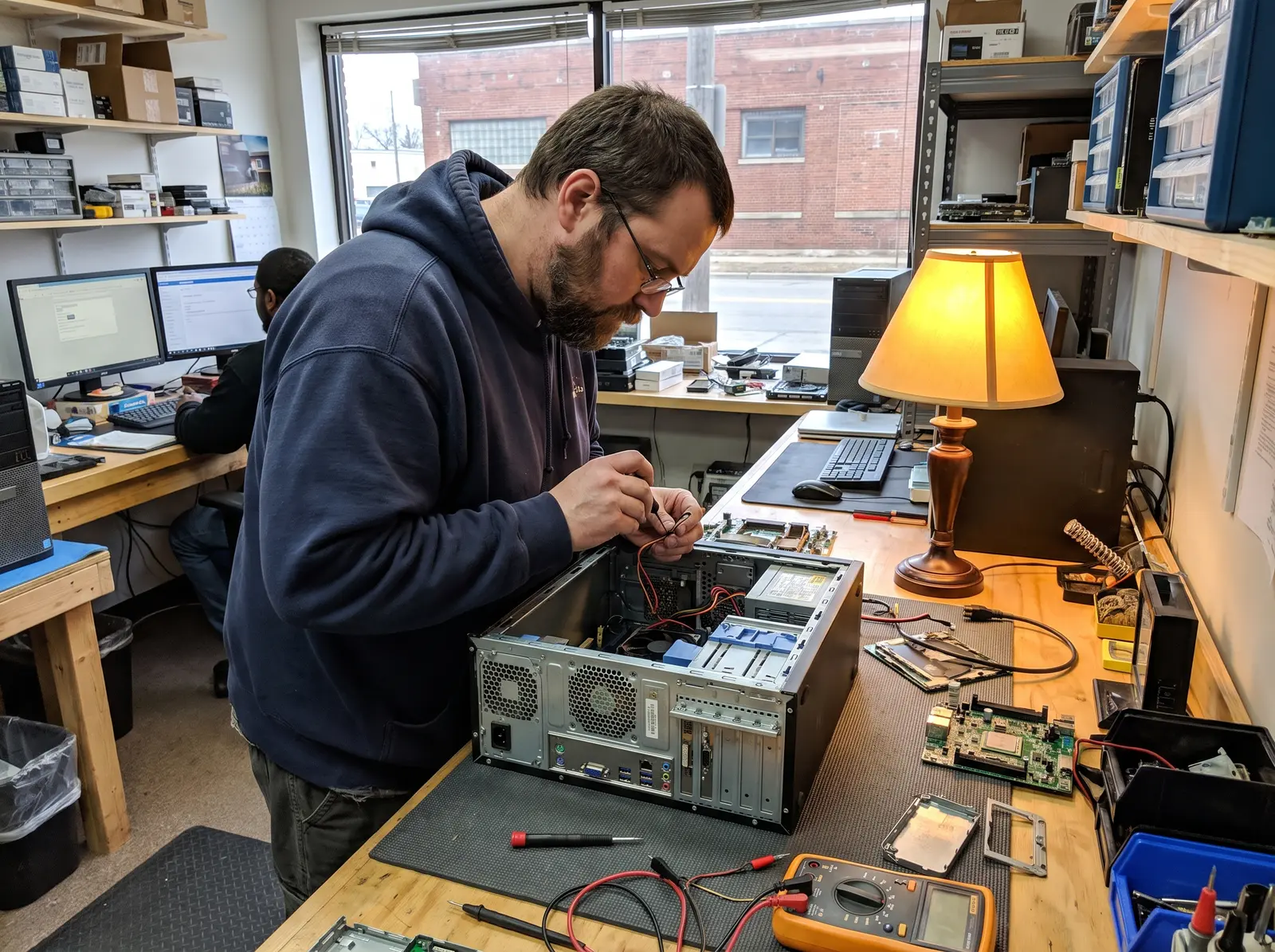
Improve the machine you have, or start the new one properly.
A replacement computer is not truly ready just because it reaches the desktop. An older computer is not necessarily finished just because it has become slow. CSC evaluates what the machine needs, handles the appropriate setup or upgrade work, and focuses on improvements you will notice in normal use.
SSD and storage upgrades
Replace a slow or failing storage drive when appropriate and configure the system around the new storage.
Memory improvements
Evaluate whether additional RAM fits the machine and the workload instead of treating every slowdown as a memory problem.
New-computer setup
Complete operating-system updates, accounts, browser setup, common peripherals, and the settings needed for day-to-day use.
Data transfer and cleanup
Move important files from an older computer and avoid carrying unnecessary clutter into the new setup.
What happens when you contact CSC.
The exact work depends on the computer and the problem, but the process stays understandable from beginning to end.
Define the goal
Start with what feels slow, what the new computer needs to do, or which files and settings matter most.
Check compatibility and condition
CSC verifies that a proposed upgrade fits the machine and that no larger problem would make the investment unwise.
Complete the setup or upgrade
Approved hardware, updates, transfers, peripherals, and configuration work are completed together.
Verify everyday use
The finished system is checked for normal startup, access to important files, connected devices, and the expected improvement.
The useful upgrade is the one that fixes the actual bottleneck.
An SSD can transform some older computers. Additional memory can help specific workloads. Neither is a universal cure. CSC looks at the machine, its current components, its condition, and what you actually do with it before recommending hardware. If replacement makes more sense, you will hear that instead.
Common questions
Before you schedule.
Can an SSD upgrade make my old computer faster?
Often, but not always. CSC checks the current storage, the rest of the hardware, and the machine’s condition before recommending an SSD so the upgrade addresses the real bottleneck.
Can you move files from my old computer to a new one?
Yes. CSC can transfer important documents, photos, and everyday files when the old storage is readable. The exact scope depends on the condition of the old computer and what needs to be moved.
What is included in new-computer setup?
Setup can include operating-system updates, user accounts, browser configuration, peripherals, transferred files, and practical everyday settings. CSC confirms the exact scope before work begins.
Do I need an appointment?
Yes. Upgrade, setup, and transfer services are available by appointment in Detroit and nearby communities. Call or text (313) 777-5739 to start.